
AI Halloween
video maker
Four October trends, each made as a 10-second vertical video from your photo and a written scene. Pick the trend, upload one or two photos, and the video arrives with its own sound, ready for TikTok, Reels or Shorts.
Four October trends
Each trend has its own page with an example video, the beat-by-beat breakdown and the generator.
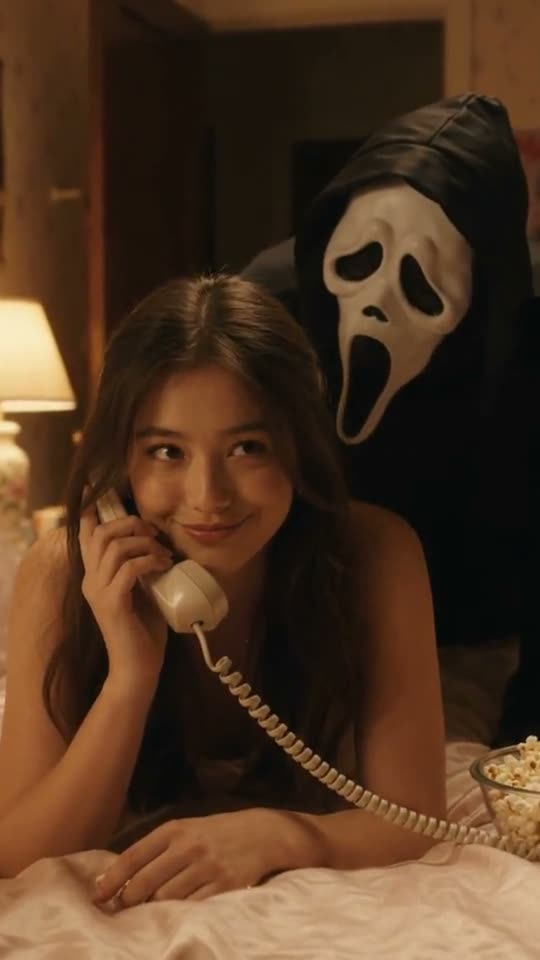 EXAMPLE · VEO 3.190S HORROR STILL
Ghostface Call
A 90s bedroom, a corded phone, and the masked figure in the doorway creeping closer while you talk.
10 SECONDS1 PHOTOFROM 45 CREDITS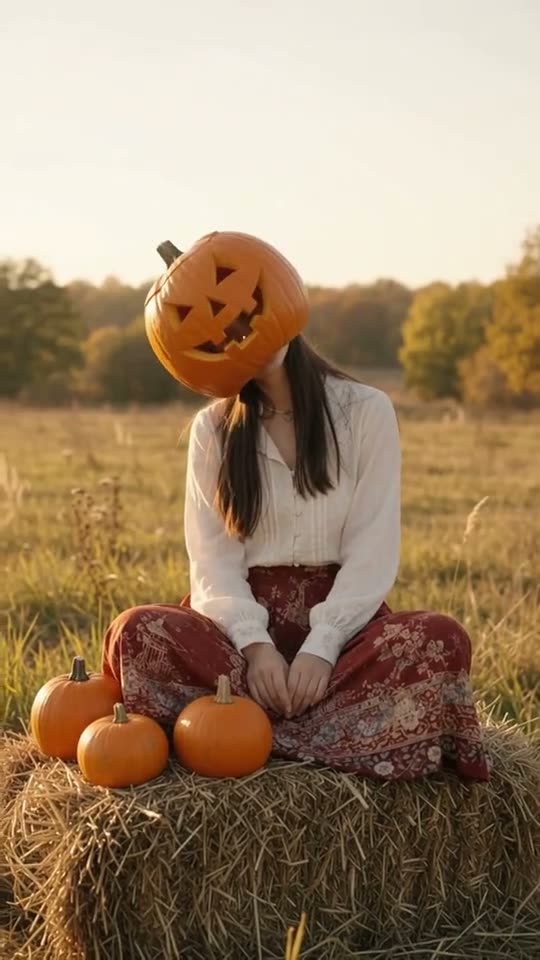 EXAMPLE · VEO 3.1COUPLE TREND
Pumpkin Head Photoshoot
Faces first, then the jack-o'-lanterns go on and you pose through a golden autumn field.
10 SECONDS1 OR 2 PHOTOSFROM 45 CREDITS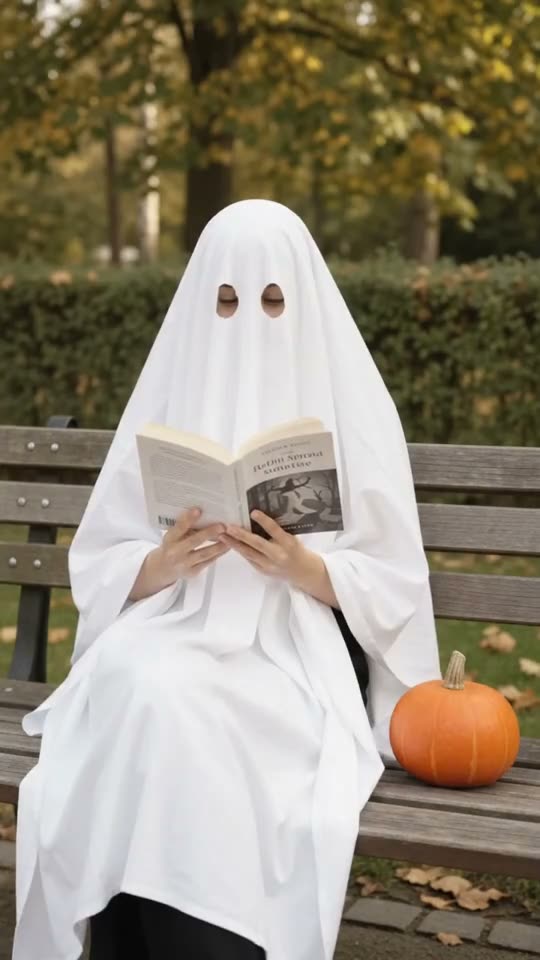 EXAMPLE · VEO 3.1SUNGLASSES ON
Sheet Ghost Photoshoot
The sheet goes on, the sunglasses go on, two autumn poses, then the sheet comes off and it is you.
10 SECONDS1 OR 2 PHOTOSFROM 45 CREDITS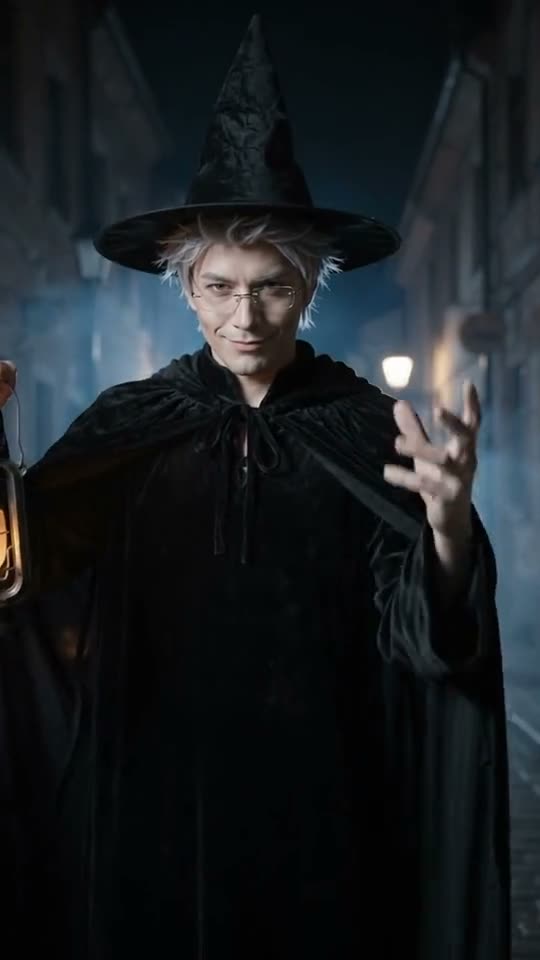 EXAMPLE · VEO 3.1BOOTS-UP REVEAL
Witch Costume Walk
Boots and cape stalk toward a low camera on a foggy pumpkin-lit street, then it rises to your witch reveal.
10 SECONDS1 PHOTOFROM 45 CREDITSWhat each trend keeps
Before
the big take.
A few answers before you hit create.
Still have a question?01How does the AI Halloween video maker work?+
Your photo is used as an identity reference and each trend's scene, camera moves and sound are written as a prompt. No trend video is copied or fed to the model.
02How much does a Halloween video cost?+
Every Halloween video is 10 seconds: 65 credits with Seedance 2.0 (HD 720P) or 45 credits with MiniMax H3 (HD 768P). Failed generations return the reserved credits.
03Can I use a photo of my child?+
No. Use a photo of yourself or another adult who agreed.
04What are the example videos on these pages?+
Each example was rendered with Veo 3.1 from that page's scene prompt and a single test photo. Your video uses the same scene with Seedance 2.0 or MiniMax H3, so the faces, framing and details will differ.